Network Traffic Analytics Cloud (NTAC)
Launch Instruction

 |
Launch NTAC t-meter instance via 1-click. Make sure to use the recommended security group configuration, which allows inbound UDP traffic on port 4789 needed for AWS traffic mirroring. 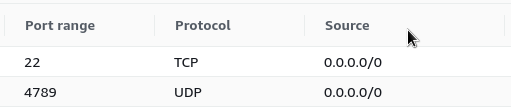 Wait approximately 5-10 minutes for the instance to initialize. |
 |
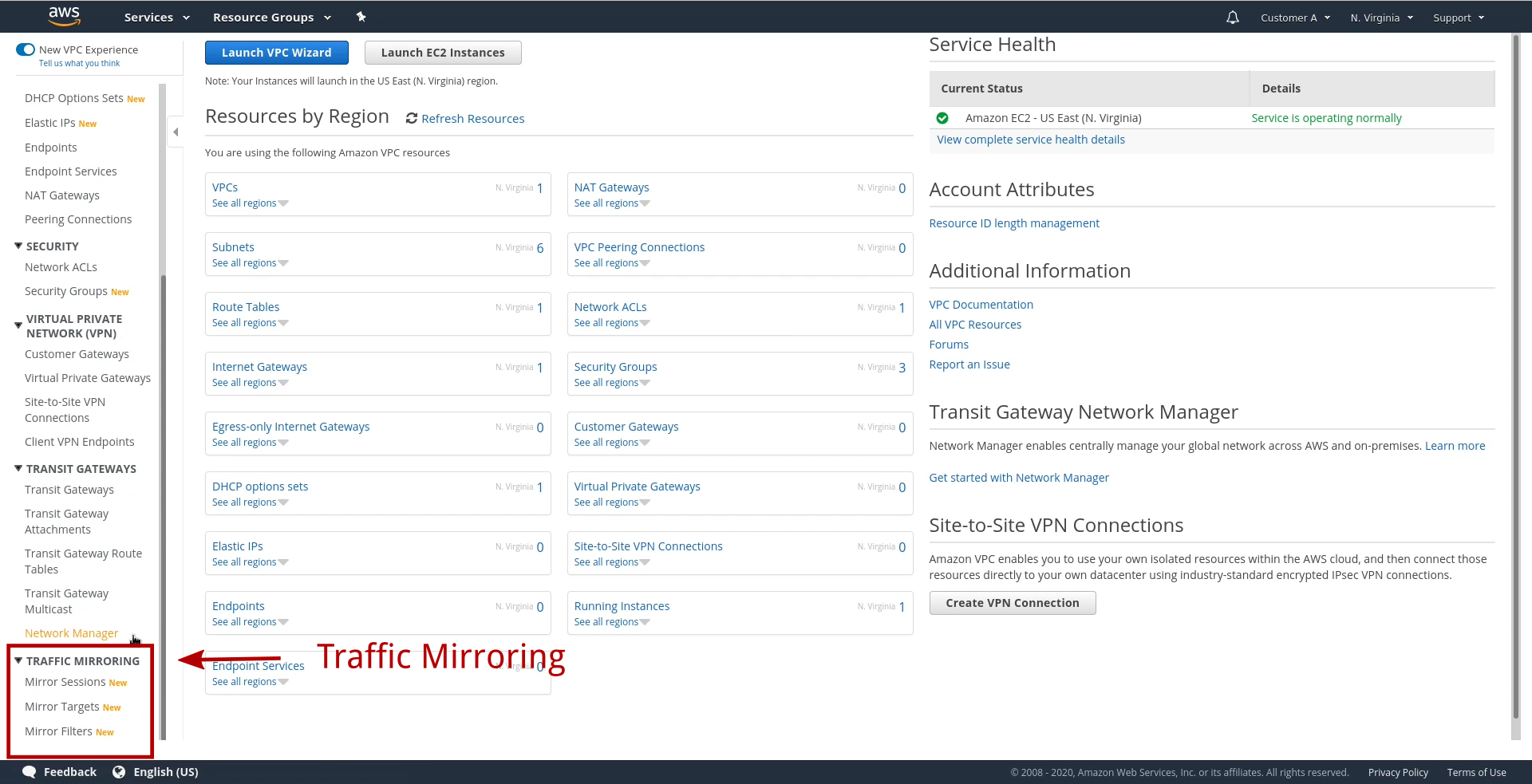
Create a Traffic Mirror Session, and mirror network traffic to the instance:
|
  |
Visit the URL http://ec2traffic.com/ and enter your AWS account number: If you encounter 404 Not Found, wait approximately 5-10 minutes for the t-meter to initialize and try again. Download the t-Console application installer and access QuickSight network traffic analytics.  When starting the t-Console application, enter your AWS account number and EC2 instance ID.
To terminate NTAC once your are finished using it, use the AWS EC2 console to terminate the t-meter instance. |